Unlink Client Organization
As a Provider, you may need to remove your Provider-client relationship with an organization if you are no longer providing services to them. In order for a client organization to be eligible for removal:
You must be a Provider admin.
The client organization must have at least one confirmed owner.
note
Client organizations can only be unlinked from within the Provider Portal UI, not deleted. To delete a client organization, you must be a Provider admin and follow these steps:
Open the client organization and navigate to Settings → Organization info.
Scroll to the Danger Zone section and select Delete Organization.
Once these criteria are met:
Open the Provider Portal using the product switcher:
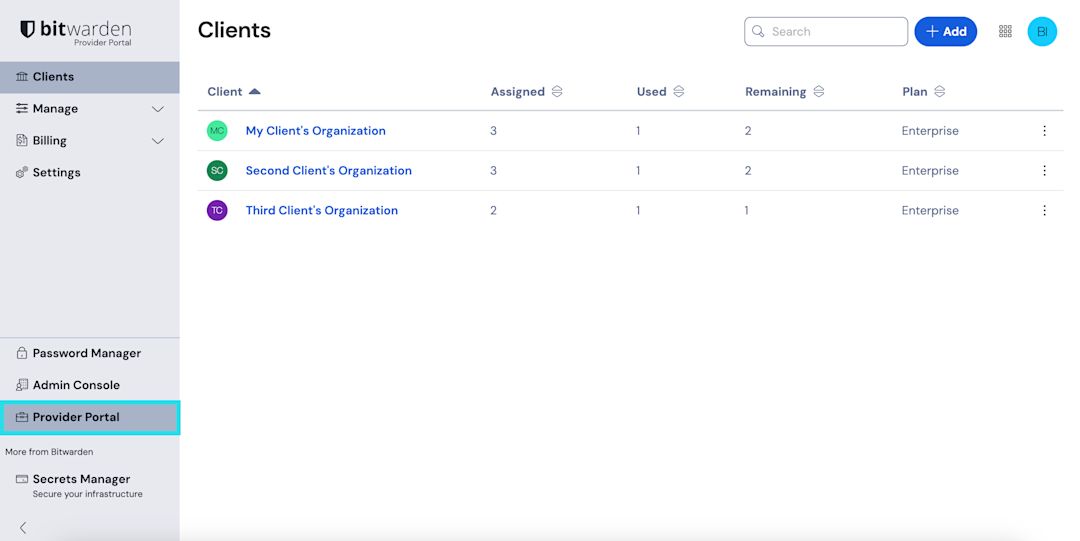
Product switcher - Provider Portal In the Clients view, use the options menu for the desired client organization to select the Unlink organization option:


tip
Once a client organization is unlinked, they will need to set up their own billing in order to retain access to Bitwarden services.